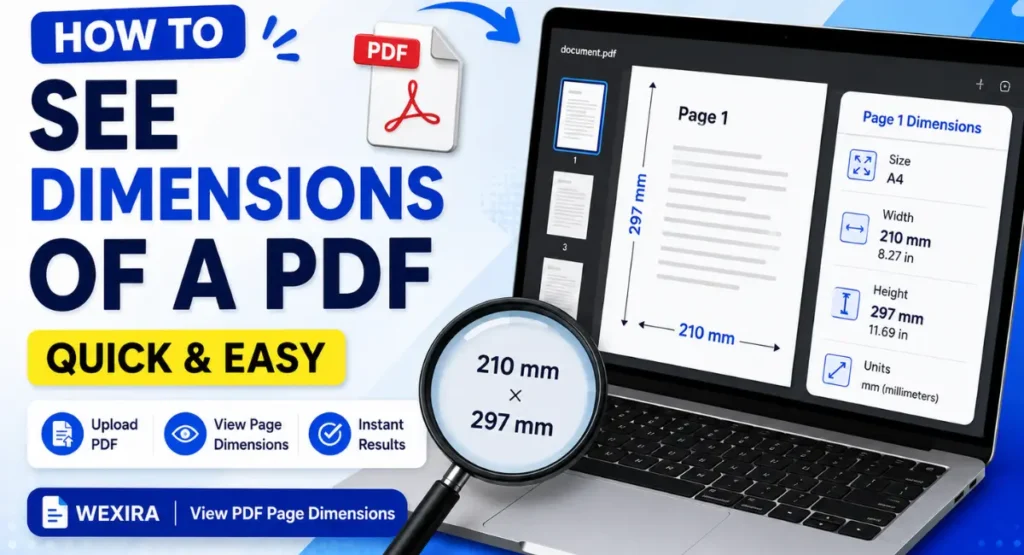
Have you ever wanted to know the exact size or dimensions of a PDF page?
A PDF can have different page sizes depending on how it was created. Some PDFs use A4 size, while others may use Letter, Legal, A5, or a custom page size.
If you need to check the exact dimensions of a PDF page, you can use an online tool instead of opening complicated PDF software.
In this article, I will show you how to see PDF page dimensions using the View PDF Page Dimensions tool from Wexira.
What Are PDF Page Dimensions?
PDF page dimensions tell you the physical size of a page in a PDF file.
For example, an A4 page is commonly used for documents, forms, reports, and printing. Other PDF files may use different sizes depending on their purpose.
Knowing the page dimensions can be useful when you want to print a document, prepare a file for editing, or check whether the PDF has the correct page size.
How to See PDF Dimensions Online
You can check the dimensions of your PDF in just a few simple steps.
Step 1: Open the PDF Dimensions Tool
First, open the View PDF Page Dimensions tool.
Tool: View PDF Page Dimensions Tool
The tool is designed to help you check the page dimensions of a PDF file.
Step 2: Upload Your PDF
Click on the upload option and select the PDF file from your computer or mobile device.
Wait for the file to load into the tool.
Step 3: Check the Page Dimensions
After your PDF is uploaded, the tool will show the dimensions of its pages.
You can use this information to understand the size of your PDF pages.
This can be especially helpful when you are working with PDFs that have multiple pages.
Step 4: Check Different Pages
If your PDF contains pages with different sizes, check the dimensions shown for each page.
This helps you find out whether all pages have the same size or whether some pages are different.
For example, one page may be A4 size while another page may have a custom size.
Why Should You Check PDF Page Dimensions?
There are many reasons to check the dimensions of a PDF.
If you are planning to print a PDF, knowing the page size can help you choose the correct paper size.
It is also useful when preparing documents for printing, scanning, editing, or uploading to a website.
Sometimes a PDF may look normal on your screen, but its pages may have different dimensions. Checking the dimensions can help you find these differences.
Check PDF Size Before Printing
PDF dimensions are important when printing documents.
If the page size does not match your printer settings or paper size, the document may not print the way you expect.
By checking the PDF dimensions before printing, you can avoid common printing problems.
Check PDF Dimensions Without Installing Software
You do not always need a PDF editor or other large software to check the size of a PDF page.
An online tool can make the process much easier. You simply upload your PDF and check the page dimensions.
This can save time when you only need to check the size of a PDF.
Is the Tool Easy to Use?
Yes. The process is simple and does not require advanced PDF knowledge.
Upload your PDF, let the tool process the file, and check the page dimensions.
You can use the tool whenever you need to quickly find the dimensions of a PDF page.
Conclusion
Checking the dimensions of a PDF can be useful for printing, editing, document preparation, and many other tasks.
Instead of using complicated PDF software, you can use the View PDF Page Dimensions tool from Wexira to quickly check the dimensions of your PDF pages.
Try the tool here: View PDF Page Dimensions