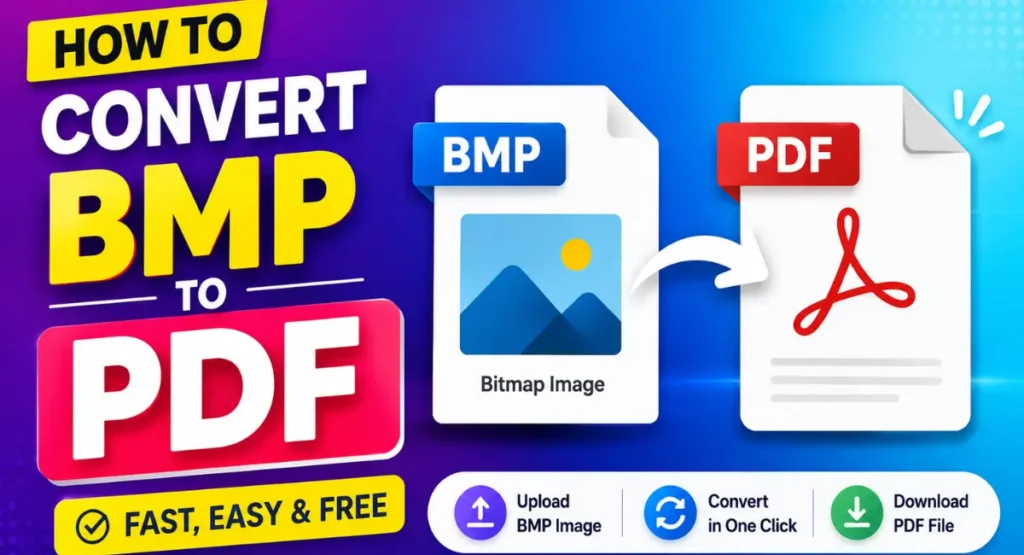
BMP is an image format that is commonly used to store high quality images. However, PDF is often a better format when you want to share, print, or organize documents.
If you have a BMP image and want to convert it into a PDF, you can do it online without installing any software.
In this article, I will show you how to convert a BMP image to PDF using the BMP to PDF tool from Wexira.
What Is a BMP File?
BMP stands for Bitmap Image File. It is an image format that stores image data without much compression.
BMP files can have good image quality, but they can also be larger than formats such as JPG or WebP.
If you need to share or print a BMP image, converting it to PDF can make the file easier to use.
Why Convert BMP to PDF?
PDF is one of the most commonly used formats for sharing documents and images.
Converting a BMP image to PDF can be useful when you want to send an image as a document, prepare a file for printing, or keep images together in a document format.
PDF files are also easy to open on computers, phones, and tablets.
How to Convert BMP to PDF Online
You can convert your BMP image to PDF in just a few simple steps.
Step 1: Open the BMP to PDF Tool
First, open the BMP to PDF tool from Wexira.
Tool Link: BMP to PDF Tool
The tool lets you convert your BMP image into a PDF file online.
Step 2: Upload Your BMP Image
Click on the upload option and select the BMP file from your computer or mobile device.
Wait for the image to load into the tool.
Make sure you select the correct BMP image that you want to convert.
Step 3: Convert BMP to PDF
After uploading the BMP image, start the conversion process.
The tool will process your image and create a PDF file from it.
The process is simple and does not require any advanced settings.
Step 4: Download the PDF
Once the conversion is complete, download the new PDF file to your device.
You can now open the PDF and check the image.
The converted file can also be shared, printed, or stored for later use.
Can I Convert BMP to PDF on My Phone?
Yes, you can use the BMP to PDF tool from a mobile browser.
Open the tool on your phone, upload your BMP image, and convert it to PDF.
You do not need to install a separate PDF converter app just to convert a BMP image.
Why Use an Online BMP to PDF Converter?
An online converter can save time when you only need to convert an image quickly.
You do not need to install large software or learn complicated settings. Simply upload your BMP file, convert it, and download the PDF.
This can be useful for students, office workers, designers, and anyone who regularly works with image files.
When Is BMP to PDF Conversion Useful?
There are many situations where converting BMP to PDF can be helpful.
You may need to send a BMP image as part of a document. You may also want to print an image or keep it in PDF format for easier sharing.
If you have several image files that need to be used as documents, converting them to PDF can make your files easier to manage.
Is BMP to PDF Conversion Free?
You can use the Wexira BMP to PDF tool online to convert your BMP image to PDF without needing complicated software.
The simple interface makes it easy to complete the conversion even if you have never used an image converter before.
Conclusion
Converting BMP to PDF is a simple way to turn a bitmap image into a more widely used document format.
You do not need complicated software to do it. With the BMP to PDF tool from Wexira, you can upload your BMP image, convert it to PDF, and download the finished file in just a few steps.
Try the tool here: Convert BMP to PDF Online